How to choose a domain name, in short: pick a name that is short, easy to say and easy to spell. Put it on an extension that fits your market. Check trademarks and the domain’s history before you pay. Once it is yours, secure it with a registrar lock, auto-renew and two-factor login.
The question is a common one: the phrase “how to choose a domain name” draws about 7,400 searches a month in the US and 85,000 worldwide (Ahrefs, October 5, 2026). Meanwhile, the pool of taken names keeps growing. The Verisign Domain Name Industry Brief counted 401.6 million registrations at the end of Q2 2026, including 166.6 million .com names and 148.6 million ccTLD names.
Most guides list tips in no particular order. This one puts the decisions in the order you should make them, from purpose to protecting the name after purchase.
How to choose a domain name in 9 steps
Work through the steps in order, because each one narrows the field for the next. A name that fails an early step, such as a trademark clash, is not worth checking for social handles or price.
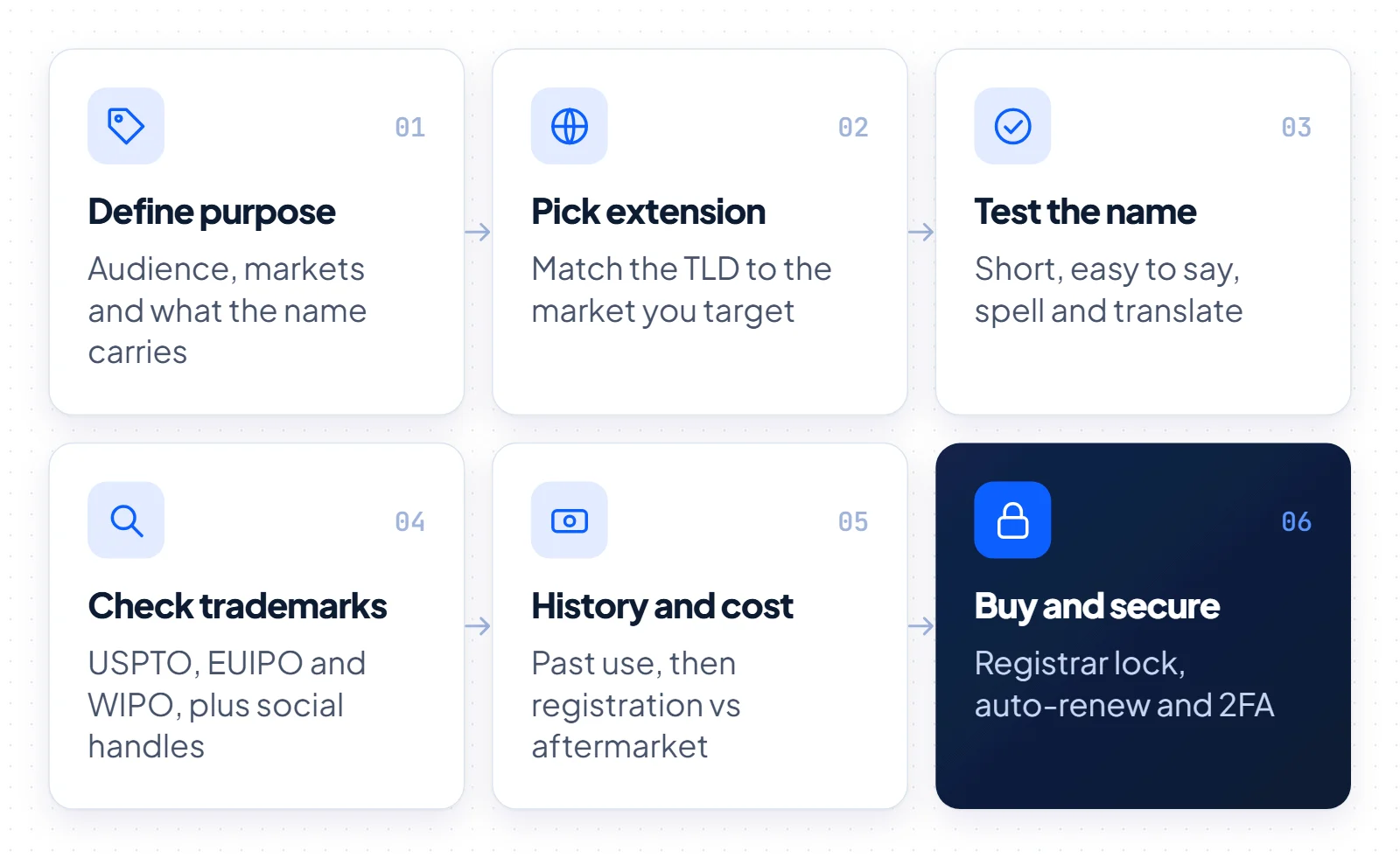
1. Define what the name must do
Write down who the site serves, which markets it sells in and whether the name must carry a company, a product or a personal project. A startup that plans to raise money and sell abroad needs a different name from a local bakery or a homelab server. This one decision shapes every later step, from extension to budget.
2. Choose an extension that fits your market
Pick the extension after the market, not before: Google’s SEO Starter Guide says the TLD only matters if you target users in a specific country. Even then, Google calls it usually a low-impact ranking signal, although a country code still tells users and search engines which country the site targets. That holds for codes such as .de or .si, while Google handles 20 ccTLDs, including .ai and .io, as generic. The extension table below compares the main options.
3. Keep it short and easy to spell
A good name survives being heard once and typed correctly. Our guide to short domain names covers the radio test and the length math in detail. Skip keywords added only for ranking, and choose for people instead. Google’s SEO Starter Guide says that, from a ranking perspective, keywords in a domain name “have hardly any effect beyond appearing in breadcrumbs.”
4. Say it aloud and check other languages
Read the name aloud to people who have not seen it, and ask them to spell it back. Then check what it means or sounds like in the languages of your markets, including slang. In a 2006 PNAS study, Alter and Oppenheimer found that fluently named stocks “outperformed stocks with disfluent names in the short term”, which they linked to processing fluency. The study measured share prices, not websites, but it suggests people favor names that are easy to process.
5. Search trademarks before you buy
A name that clashes with an existing trademark can lead to a dispute and a forced rebrand. Search the USPTO Trademark Search system, EUIPO’s eSearch plus or TMview, and the WIPO Global Brand Database for identical and similar marks. Our guide to brandable domains walks through these tools and the trademark spectrum. For anything borderline, talk to a trademark lawyer.
6. Check social handles
Look up the same name on the social platforms your audience uses before you commit. Matching handles make the brand easier to find and tag. If someone already holds the exact handle, decide now whether a small variant, such as adding “hq” or “app”, will do.
7. Check the domain’s history
A previously owned name may carry baggage, such as old spam, links from unrelated sites or a former owner’s brand. Look at archived snapshots and old registration records before you pay. Our guide to checking domain history lists the tools and red flags step by step.
8. Compare registration and aftermarket prices
An unregistered name costs only a registrar’s yearly fee. A name someone already holds sells at a price the owner sets, which is usually where the budget question gets serious. If your first choice is taken, read how to buy a domain that is already taken before you contact the owner.
9. Buy it and lock it down
After purchase, turn on the registrar lock, enable auto-renew and protect the registrar account with two-factor authentication. Keep your contact details current: for gTLD names, ICANN’s registrant responsibilities say you must answer registrar inquiries within 15 days.
For .com and other gTLDs, ICANN’s Expired Registration Recovery Policy requires renewal reminders about one month and one week before expiry, plus one more notice within five days after it. Most gTLD registries must also offer a 30-day Redemption Grace Period after deletion, although sponsored gTLDs are exempt. These rules apply to gTLDs only, and ccTLDs such as .si set their own.
Which domain extension fits your market
Choose .com or a generic extension for a global audience, and a country code when one country is your main market. Google treats most ccTLDs as a country signal and about 20 of them as generic.
| Extension | Google treatment | Best for |
|---|---|---|
| .com | Generic gTLD, no country signal | Global brands in any market |
| A ccTLD like .si | Strong country signal (Slovenia for .si) | Sites aimed mainly at that country |
| gccTLDs like .ai and .io | Treated like gTLDs, no country signal | Global tech and AI products |
| New gTLDs like .guru or .london | Treated like .com and .org; a keyword in the TLD gives no edge | Niche brands that want a descriptive ending |
Google’s guide to multi-regional sites puts it directly: country codes give “a strong signal to both users and search engines” that a site targets one country. Slovenia’s .si is not on Google’s list of 20 generic ccTLDs. That list includes .ai, .co, .io, .me and .tv, and Google notes it may change.
In a July 2015 post on new top-level domains, Google said its systems “treat new gTLDs like other gTLDs (like .com and .org)” in Search. It added that keywords in a TLD give no advantage or disadvantage. The same post advises choosing a domain that will fit your long-term needs, because domain changes take time for Search to process. Our guide to ccTLDs explains how country codes work.
The technical rules a domain name must follow
Each label in a domain name, the part between dots, can hold up to 63 characters. The full name has a limit of 255 octets, about 253 characters in text form. A label may use only letters, digits and hyphens, and it cannot start or end with a hyphen.
- Length: 63 characters per label under RFC 1035, and 255 octets for the whole name, which works out to about 253 typed characters.
- Characters: letters a–z, digits 0–9 and the hyphen. Case does not matter, so MKR.si and mkr.si are the same name.
- Hyphens and digits: no hyphen at the start or end of a label. RFC 1123 relaxed the original rule so a label may start with a digit.
- Other scripts: internationalized domain names (IDNs) use characters beyond the basic Latin a–z and are stored in the DNS as ASCII “A-labels”.
- .si specifics: Register.si sets a 2-character minimum and a 63-character maximum, bans a hyphen as the first or last character and reserves a few names, such as si.si.
Common domain name mistakes and how to fix them
The most common domain name mistakes are stuffing keywords into the name, odd or hard spellings, and hyphens and numbers. They also include skipping the trademark search, a country code for a global site, adding LLC or Inc, buying without a history check and letting the name expire. Each one is easier to prevent before purchase than to fix after launch. The table pairs every mistake with its cost and a fix.
| Mistake | Why it hurts | Fix |
|---|---|---|
| Stuffing keywords into the name | Google says domain keywords have hardly any ranking effect, and long names are harder to recall | Pick a short, brandable name and earn rankings with content |
| Odd or hard spellings | Visitors type the wrong address and land somewhere else | Say it aloud to a few people and ask them to spell it back |
| Hyphens and numbers | Spoken aloud, they need explaining (“dash”, “the digit 4 or the word four”) | Use them only when the clean version is out of reach |
| Skipping the trademark search | A conflict can force a rebrand after launch | Search USPTO, EUIPO and WIPO databases before you buy |
| A country code for a global site | Most ccTLDs, including .si, signal one country to Google | Use .com or a gccTLD for the main site, or accept the country signal |
| Adding LLC or Inc | Makes the name longer, and the SBA says a domain need not match your legal name | Use the brand name on its own |
| Buying without a history check | Past spam or misuse can follow the name | Check archives and old records before you pay |
| Letting the name expire | A lapsed name can end up with someone else | Turn on auto-renew and keep billing and contact details current |
New registration or a taken name
A new domain registration costs only the registrar’s yearly fee, while a taken domain name costs whatever its owner asks. As the U.S. Small Business Administration notes, once you register a domain, no one else can use it for as long as you keep owning it.
For .si, the Register.si tariff (as of October 2026) charges registrars €10 per year excluding VAT for registration or renewal. Each registrar then sets its own retail price on top. Under the Register.si general terms, any natural or legal person can hold a .si name. Registration runs only through a registrar, on a first-come, first-served basis.
Aftermarket names cost more because you pay for the name itself, not just the registration. The buysidomains.si portfolio lists 10 .si names at fixed asking prices from €900 to €12,000 (October 2026).
Worked example: scoring mkr.si against the checklist
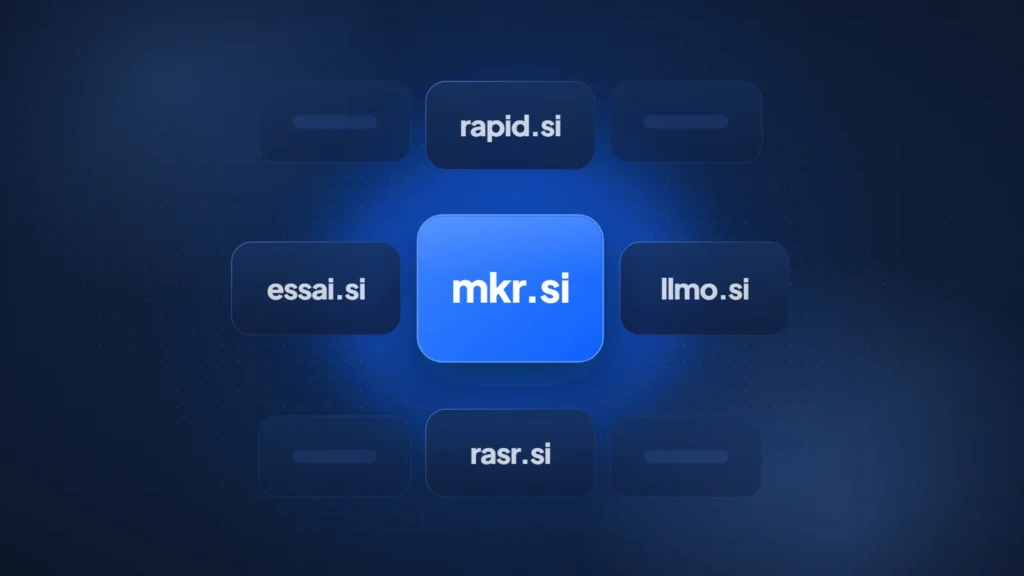
The name mkr.si passes most of the checklist: it is 3 letters long, reads as “maker” and sits on a short ccTLD. Its main trade-off is the Slovenian country signal in Google.
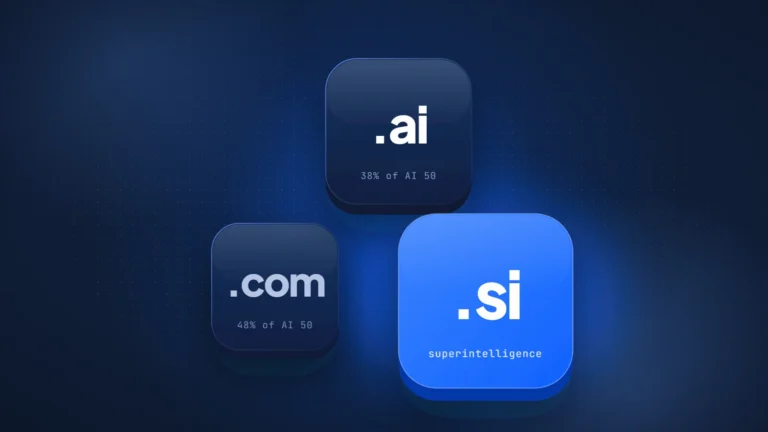
.si is Slovenia’s country-code domain. For AI companies it reads as SuperIntelligence. That reading is our framing for branding, not an official meaning, and it does not change how Google treats the extension.
| Checklist step | How mkr.si scores |
|---|---|
| Purpose | Fits a maker, tooling or hardware brand, or an AI product built around making things |
| Extension | .si gives a Slovenia signal; a global team can use it as a short brand address or accept the signal |
| Length and spelling | 3 letters, no hyphens or digits |
| Pronunciation | Reads as “maker”, though some people will spell it out as M-K-R |
| Trademarks, handles and history | The buyer runs these checks for their own goods, markets and platforms |
| Price | €4,500, a fixed aftermarket asking price (October 2026), plus yearly renewal |
The full listing is on the mkr.si domain page. The same scoring works for any name you are considering.
What to do next
Start with steps 1 and 2 today, because purpose and market decide almost everything else. Then shortlist three to five names and run each through steps 3 to 7 before you spend anything.
- Global startup or AI founder: put the main site on .com or a gccTLD such as .ai or .io, and treat a country code as a brand address unless that country is your market.
- Local business: use your country’s ccTLD as the main domain, since the country signal works in your favor.
- First choice already taken: set a budget, check the name’s history and trademarks, and only then contact the owner.
Once you own the name, finish step 9 the same day. A registrar lock, auto-renew and two-factor login take minutes to set up.