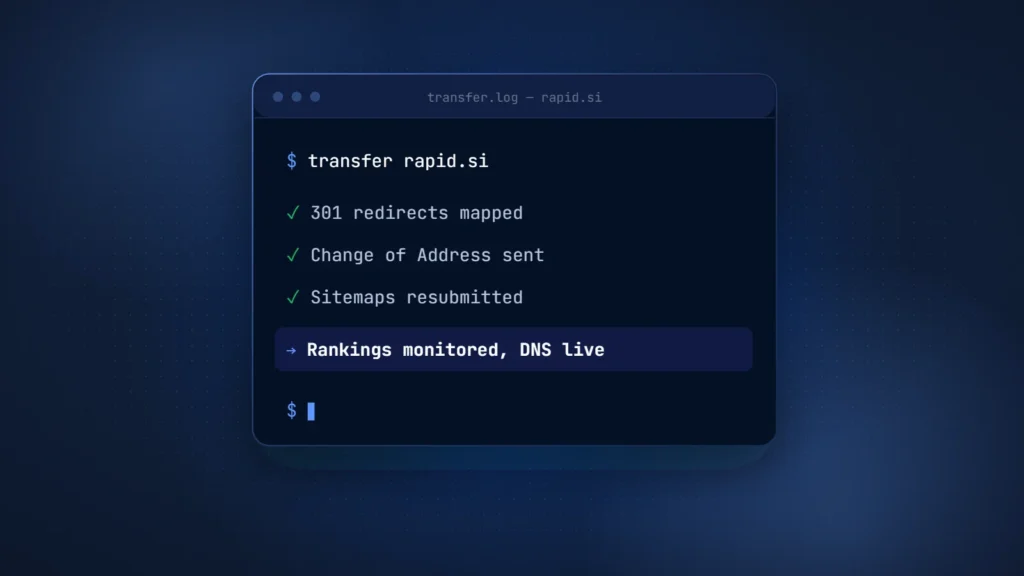
A domain migration has the best chance of keeping its rankings when every old URL 301-redirects to its new equivalent and both domains are verified in Search Console. Use Google’s Change of Address tool and keep the redirects live for at least a year. For a move to .si, also weigh the Slovenia signal a country-code domain sends.
Domain migration SEO draws about 200 monthly searches in the US and 400 worldwide, with a keyword difficulty of 22 (Ahrefs, October 5, 2026). Executive Order 14434, signed September 29, 2026, tells US executive-branch agencies to use “Super Intelligence” and “SI” in place of “Artificial Intelligence” and “AI” in official documents and communications. It does not bind companies, but some AI founders now ask whether to add a .si domain or move to one.
.si is Slovenia’s country-code domain. For AI companies it reads as SuperIntelligence. That reading is our own framing and has no official status. For transparency, buysidomains.si sells .si names; the steps here follow Google’s own documentation.
Should you move to .si at all?
Most teams do not need a full move to .si. A .si name that redirects to the existing site carries little SEO risk, while a full move changes both the domain and the country signal Google reads.
The table compares three practical setups. Our guide to the best AI startup domain covers the earlier question of which extension to build on.
| Option | When it fits | SEO risk | Effort |
|---|---|---|---|
| Redirect .si to the existing site | Global audience stays on .com or .ai; .si serves campaigns, short links or brand protection | Low, if the redirect is a 301 or 308 over valid HTTPS | Low: DNS, a TLS certificate and one redirect rule |
| Move fully to .si | Slovenia is a core market, or the brand commits to .si and accepts a country signal | High: temporary ranking fluctuation, plus a Slovenia signal replacing a generic one | High: the full checklist below, monitored for a year or more |
| Separate .si product site | A distinct product, event or campaign with its own content | Medium: the new site starts without history and must not duplicate the main site | Medium to high: separate content, links and upkeep |
What Google says about domain migration SEO
Google’s guidance follows one pattern: map every URL, use permanent server-side redirects, tell Search Console about the move and keep the redirects “generally at least 1 year”. Google also warns that rankings may fluctuate while it processes the change.
The main reference is Google Search Central’s guide to site moves with URL changes, last updated August 20, 2026. It splits a move into four phases: prepare the new site, map the URLs, start the move and monitor traffic. On timing, Google says medium-sized sites can take a few weeks or more to show the new URLs, and large sites longer.
Redirect type matters. Google’s documentation on redirects lists 301 and 308 as permanent and says the indexing pipeline uses them as a signal that the target should be canonical. For temporary redirects such as 302 and 307, Google says the pipeline does not use the redirect as that signal. A domain move therefore needs 301 or 308; a 302 is insufficient.
The Change of Address tool in Search Console complements the redirects. It tells Google to prioritize crawling the new site, forwards various signals from the old one and makes Google prefer the new site for canonical pages. These effects run for 180 days. The tool requires both properties under the same Google account, works only at domain level and spot-checks a few pages for 301s.
The two documents differ on timing. Change of Address asks for redirects of at least 180 days, while the site-move guide says at least a year. Follow the longer one.
The domain migration checklist, step by step
A domain migration works best in a fixed order: audit, map, redirect, update signals, verify, announce, then monitor. The order matters because the Change of Address tool checks for working 301s before it accepts a move.
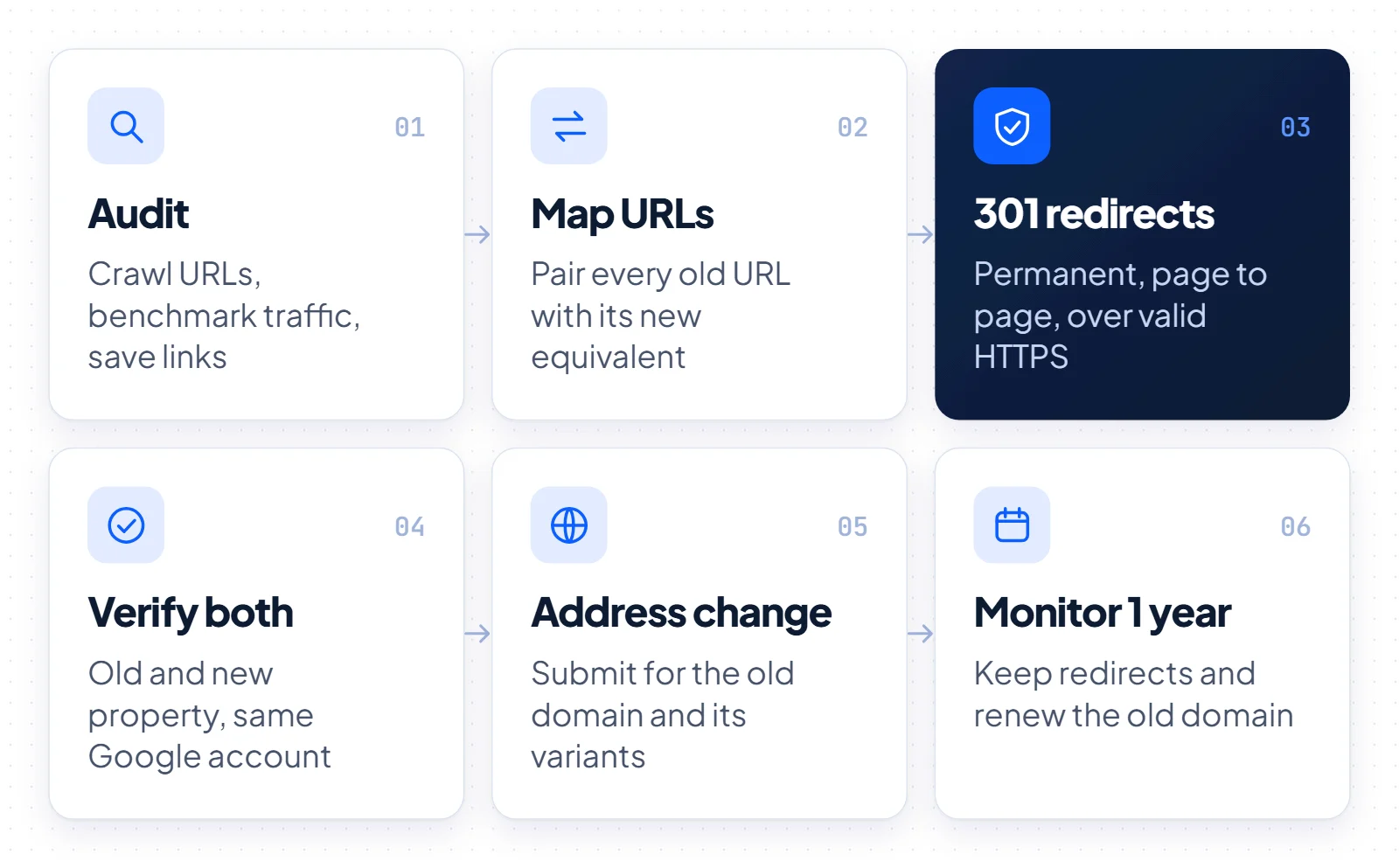
- Pre-move audit: crawl the old site and export every indexable URL. Benchmark traffic, save the list of linking sites and test the new site, including robots.txt.
- URL map: pair each old URL with its closest new equivalent. Keep paths identical where possible, since a pure domain swap is easier to check.
- 301 redirects: set up permanent server-side redirects, page to page. Avoid chains, and do not send every old URL to the new homepage.
- Canonicals and hreflang: give each new URL a self-referencing canonical, update hreflang to the new URLs and fix internal links.
- Sitemaps: submit the new sitemap in Search Console. Google says the old one can then be removed.
- Verify both properties: verify the old and new domains in Search Console with the same Google account.
- Change of Address: submit it from the old property, for every variant, including www and non-www. The tool does not move subdomains below the one you name.
- DNS, MX and email: in Google Workspace, add the new domain as a secondary domain, set its MX records, then make it the primary domain; Google says that switch can take up to 48 hours. Keep the old domain as a domain alias so old addresses still receive mail.
- SSL on both domains: the old domain needs a valid TLS certificate after the move, because a redirect on an https:// link only fires once the connection succeeds.
- Backlink outreach: ask the sites on your saved list to update their links, starting with those that send the most visitors.
- Monitoring for at least 12 months: watch both old and new URLs, keep the redirects live and keep renewing the old domain.
A registrar transfer is a separate step from a site move. As our guide to transferring a domain explains, it changes who manages the registration, while your content remains in place.
Moving to .si: geotargeting and international SEO
Moving from .ai or .io to .si is not neutral for SEO. Google treats .ai and .io as generic domains but reads .si, like any country-code domain, as a signal that a site is meant for Slovenia. Search Console no longer offers a setting to override that.
Google’s guide to managing multi-regional sites says a ccTLD gives “a strong signal” that a site is intended for a certain country. The same page lists 20 ccTLDs that Google treats as generic, including .ai, .io, .co, .me and .tv. Slovenia’s .si is not on that list.
In 2022, Google deprecated the International Targeting report in Search Console and said country targeting is no longer supported, while it continues to use hreflang. That leaves hreflang, page language and content as the levers a global .si site still controls.
One question has no documented answer. Change of Address forwards signals from the old site, but no Google document says how it handles a move from a generic domain to a country-targeted one. Treat any claim that generic treatment carries over as unproven, and plan for the Slovenia signal to apply.
Brand reading versus country signal
The case for .si is a branding one. Some founders like that the extension reads as SI, as our guide to what SI stands for explains. That brand value does not cancel the Slovenia signal. A global team can get the brand benefit from a redirecting .si and keep the main site on a generic domain.
If you do move a multilingual site, keep hreflang accurate on every page. On a February 2023 episode of Google’s Search Off the Record podcast, Gary Illyes advised splitting big moves into smaller pieces over months, according to Search Engine Journal’s summary.
Redirect-only and parallel-site options
A redirect-only .si is the lowest-risk way to use the name: it adds no new site for Google to rank, only a door into the existing one. It works only if the redirect is permanent and the domain answers over HTTPS with a valid certificate.
We checked how AI companies handle old and alternate domains. The table shows HTTP responses observed on October 5, 2026, from one network; we did not verify when each switch happened.
| Old domain | Redirects to | Status observed (October 5, 2026) |
|---|---|---|
| runwayml.com | runway.com | 308 permanent, two hops |
| cognition.ai | cognition.com | 301 permanent |
| cursor.sh | cursor.com | 308 permanent |
| codeium.com | windsurf.com, then devin.ai | 301, then 308 |
| gptengineer.app | lovable.dev | 301 permanent |
| heygen.ai | heygen.com | 301 permanent |
| replit.si | replit.com | 301 over HTTP; HTTPS failed the TLS handshake |
| recursive.si | recursive.com | 302 temporary over HTTP; HTTPS served a certificate for another domain |
Two patterns appear in the data. Four of the six AI companies in our sample ended on a .com, and we found none that moved its primary site to .si. Both .si redirects had gaps: one used a temporary 302, and in both cases the HTTPS address failed with a TLS error at the time of checking.
Those details matter for any defensive .si. A 302 does not tell Google the target should be canonical, and a visitor on an https:// link gets an error instead of a redirect. The fix is small: a 301 or 308 rule, a valid certificate on the .si domain and a test of both http:// and https://.
Running a separate .si site
A parallel .si site is a new website in its own right. It starts with no history, so it needs its own content and links. Where pages overlap with the main site, a canonical tag, which Google calls a strong signal, points to the preferred version.
Timeline and monitoring
Monitor a domain migration for at least a year. Google says to keep redirects in place for generally at least 1 year. A Search Engine Journal study of 892 domain migrations found that new domains took 523 days on average to reach the old domain’s organic traffic.
The official clock has three marks: a few weeks or more for new URLs to show, 180 days of Change of Address effects and at least a year of redirects. Google also notes that old URLs may still appear in results now and then before they fade.
The Search Engine Journal study, published January 8, 2025, measured traffic with third-party tools, and 17% of the new domains had not caught up after 1,000 days. The sample spans many industries, so read the figures as a range of outcomes rather than a forecast.
- Weekly in month one: crawl the old URL list, confirm each returns a 301 or 308 to the right page and check indexing of the new property.
- Monthly until month 12: compare clicks and impressions for both properties against your benchmark, and fix 404 errors.
- After 12 months: keep redirects while old URLs still get traffic, and keep renewing the old domain.
The last point is easy to miss. If a .si domain is deleted, Register.si says it enters a 30-day quarantine during which email and the website stop working. Every redirect depends on the old domain staying registered.
Which option to choose
Choose the setup by audience. Redirect a .si name to the main site for a global market (low SEO risk). Move fully to .si only when Slovenia is a core market (high risk, monitor for 12 months or more), and build a separate .si site only for distinct content.
For registry rules and placement options, see our .si domain guide. No setup guarantees rankings, but careful redirects, verification and patience give a move its best chance.